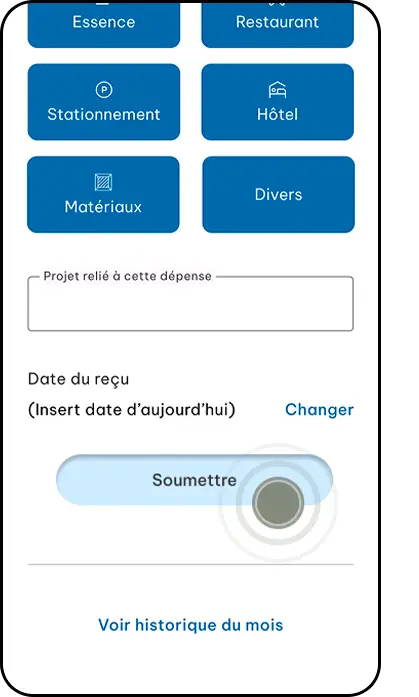
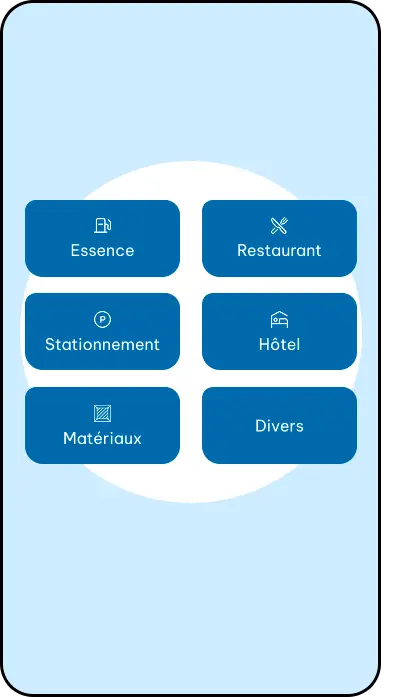
Squares8 allows you to take photos of your receipts, categorize them, and save them in just a few steps. All your expenses are then automatically organized.
Are my receipts sent to my accountant?
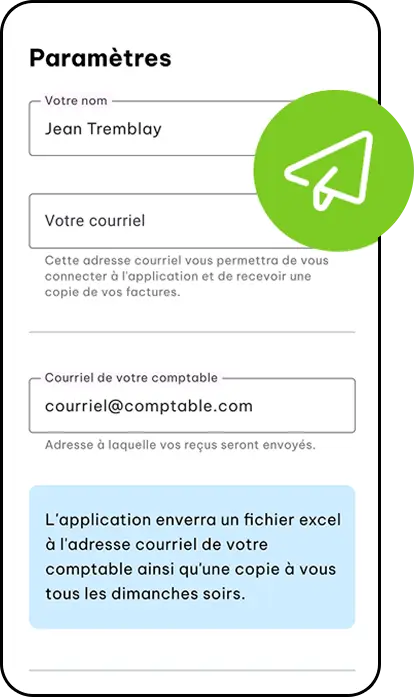
Yes, Every month, your receipts are automatically emailed to both you and your accountant, including an Excel file and a PDF.
Can I use Squares8 on my phone?
Yes, the app is designed to be used directly on your phone so you can capture receipts quickly, wherever you are.
Is Squares8 suitable for my type of work?
Squares8 is ideal for freelancers, entrepreneurs, and professionals on the go, such as real estate agents.
Simplify your expense management today
Centralize your receipts, automate your submissions, and maintain a clear view of your finances—without the hassle.
This site is registered on wpml.org as a development site. Switch to a production site key to remove this banner.